
The Crayonz JournalFabric & fit
Printing on Dark vs Light T-Shirts: What Changes
What actually changes when a design is printed on a dark garment instead of a light one, and the one upload habit that trips up most first attempts.
By the Crayonz team3 min read
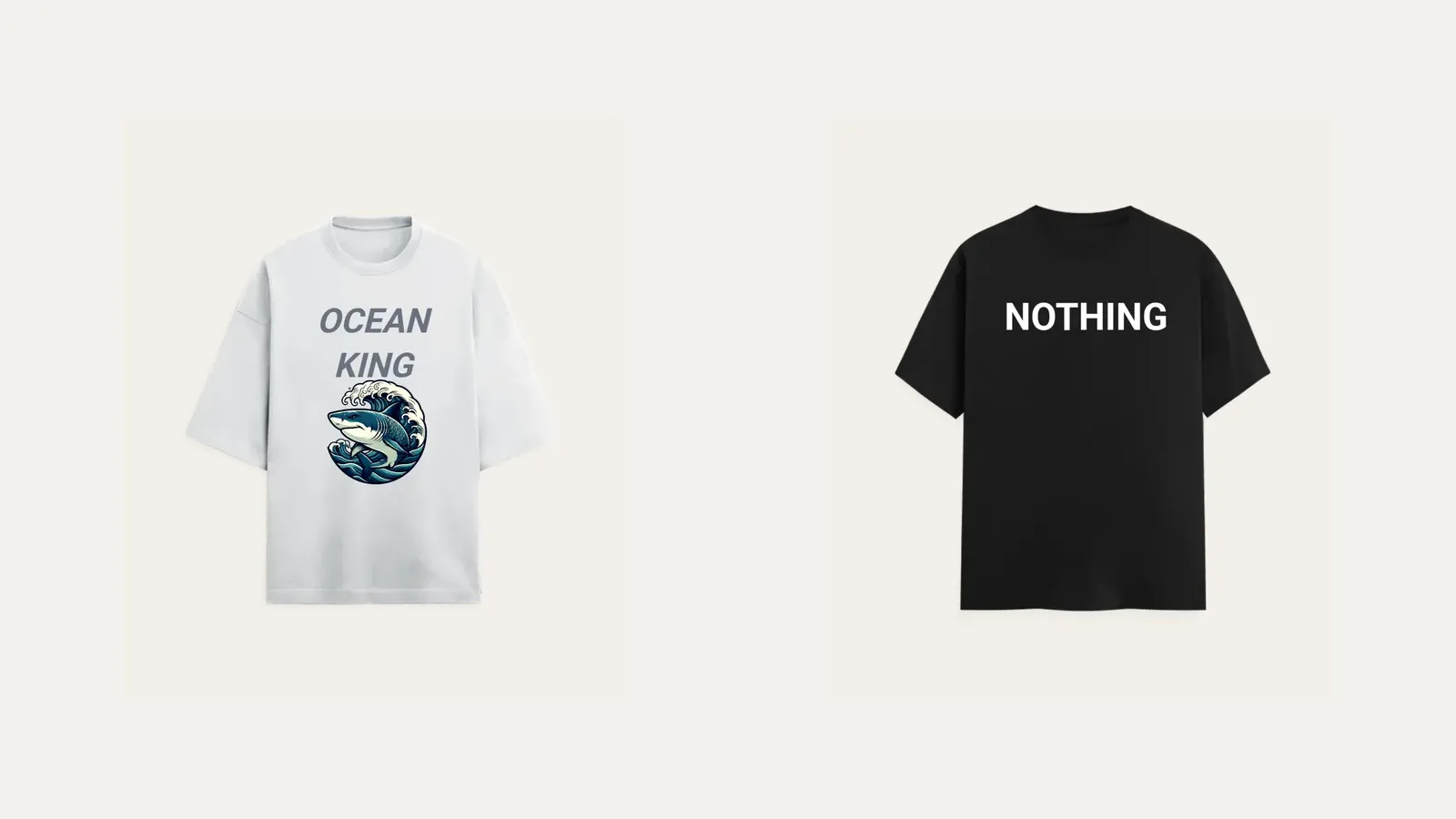
The same design file does not automatically look the same on a black tee as it does on a white one, and the most common mistake has nothing to do with the artwork itself: it is uploading a photo with a plain white background and expecting it to disappear on a dark garment the way it would on a light one.
Why a white background behaves differently on a dark garment
A photo with a white or light background prints as a visible white or light box on a dark t-shirt, because the printer reproduces whatever is actually in the file rather than guessing what should be transparent. On a white or light-coloured tee, the same background blends in and goes unnoticed. This is exactly why "Remove background" exists as a one-tap studio feature: it clears that background to transparent so only the subject prints, on any garment colour.
A transparent, high-resolution PNG is the cleanest file either way, light garment or dark, since it carries no background at all for the printer to reproduce.
Colour choice behaves differently too
Light or white ink details in a design barely register on a white or pale garment, since there is almost no contrast between the ink and the fabric underneath. The same light-coloured detail becomes the most visible part of the design the moment it moves to a black or navy garment, which is why a lot of bold wordmark designs default to white or pale type specifically for dark colourways.
The reverse is also true: a dark navy or black design element can nearly disappear into a charcoal or navy garment, while the same colour reads cleanly against white, off white or a pale pastel.
The same idea, built for both
A design meant to work across a light and a dark colourway of the same garment usually needs two versions, not one file used twice: the ink colour inverted so it still contrasts against whichever fabric it lands on, even if the shape and layout stay identical.
| Garment shade | What tends to work | What tends to disappear |
|---|---|---|
| Light or white (Off White, Baby Blue, White) | Black, navy, maroon, bottle green ink | White or pale yellow ink |
| Dark (Black, Navy Blue, Charcoal Melange) | White, pale, or bright saturated ink | Black, navy or other dark ink |
What this means for your order
Describing an idea to the AI rather than uploading a finished file sidesteps most of this, since the prompt can simply state the garment colour and the model builds contrast in from the start. Add a line like "white ink on a dark garment" or "dark ink for a light garment" directly in the prompt rather than leaving it to guesswork.
For an uploaded photo or logo, remove the background first with the studio's one-tap tool before placing it, regardless of which garment colour it is going on. It is the single habit that prevents the most common first-attempt mistake: a visible white box sitting behind the subject on a dark tee.
The same wordmark, built for a dark garment
A bold wordmark in white ink, built specifically for a black or navy base rather than assuming the same file works everywhere.
bold clean typography reading "[your word]", white ink, centred chest placement, print-ready, plain background
The same wordmark, built for a light garment
The same idea, inverted to dark ink, for a white or off-white base where white ink would barely show at all.
bold clean typography reading "[your word]", black ink, centred chest placement, print-ready, plain background
Light and dark examples already on Crayonz
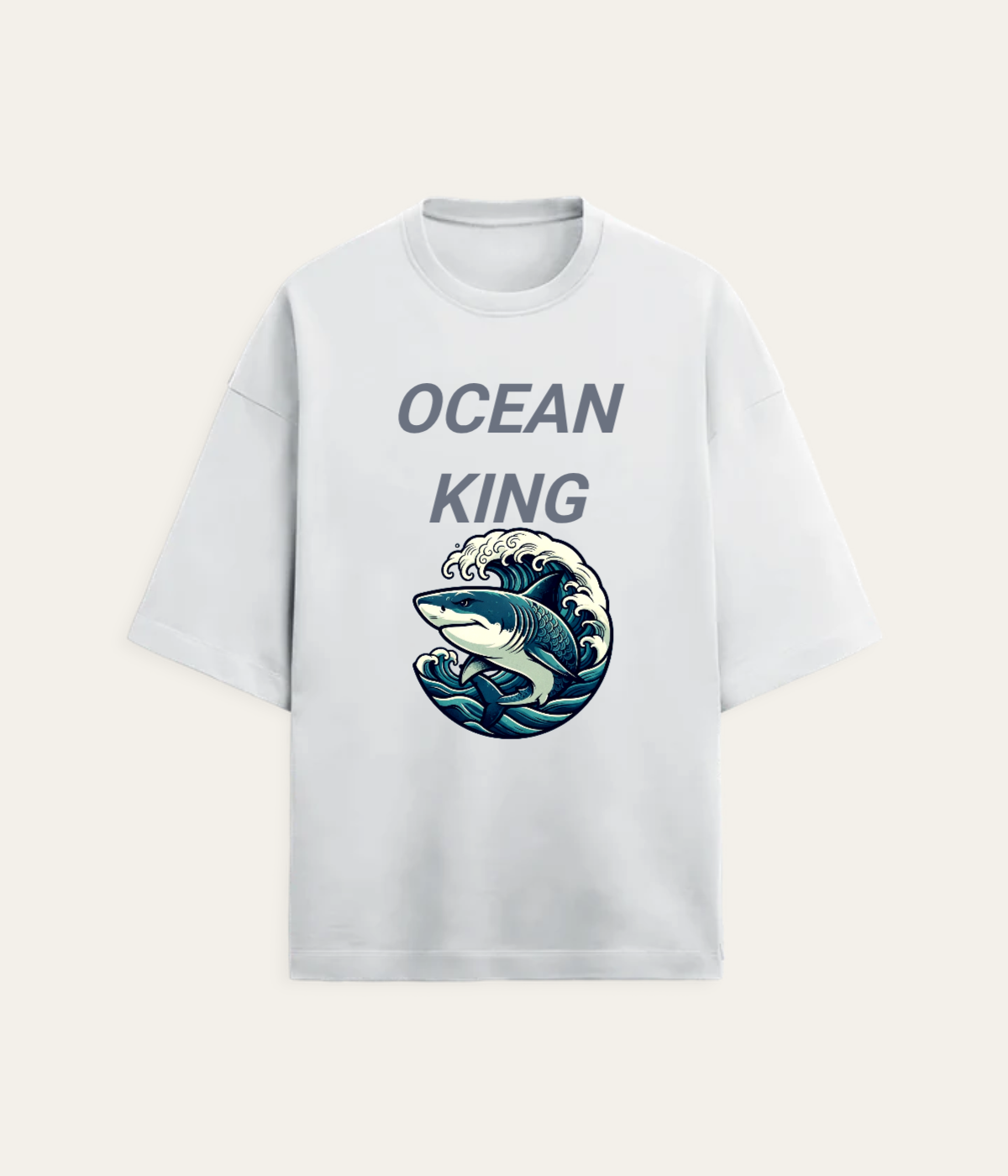
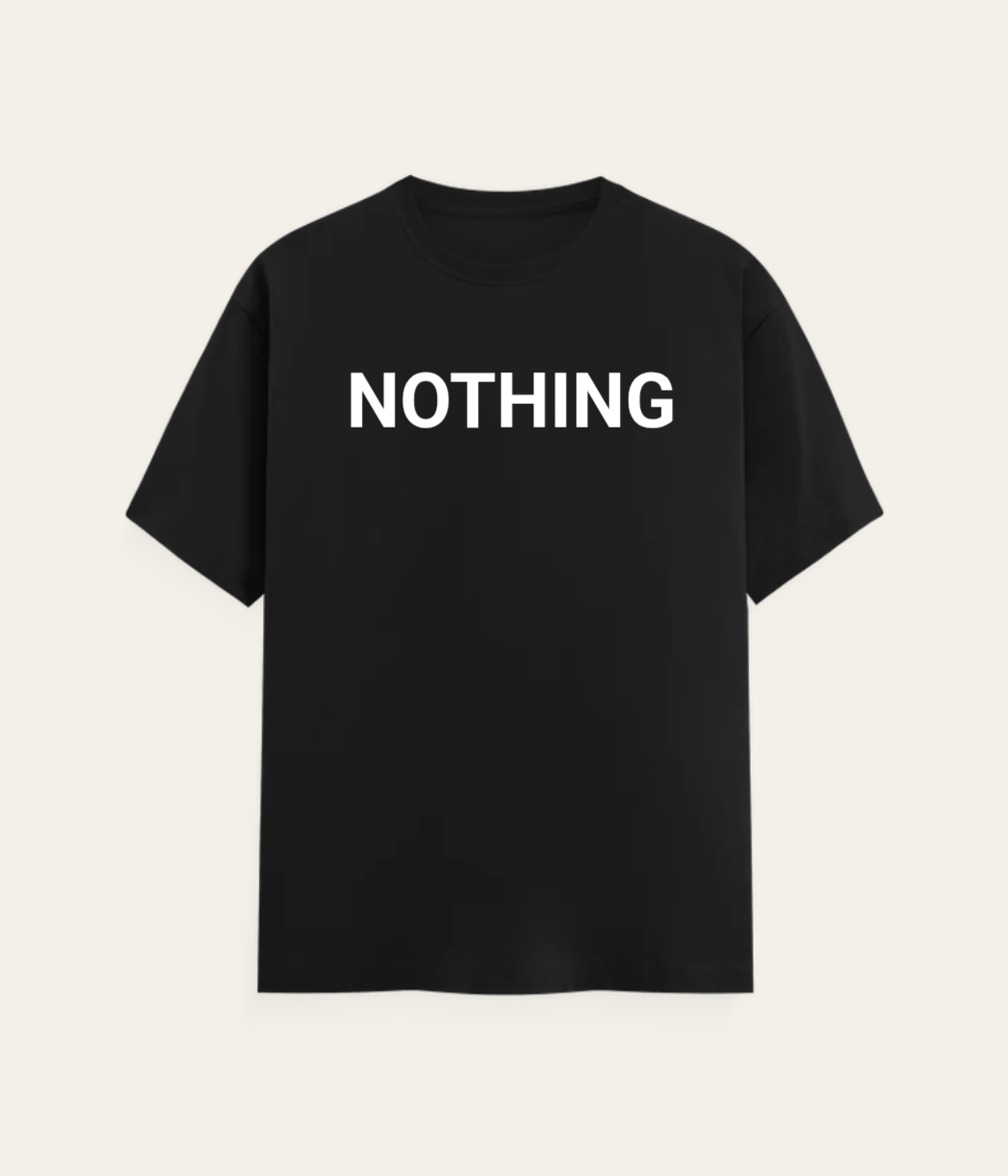
The file does not know what garment it is landing on. The prompt, or the background removal, is what makes sure it still looks right once it does.
Questions people ask
Why does my uploaded photo show a white box on a black t-shirt?
The photo likely has a plain white or light background, which prints exactly as it appears in the file. Use the studio's one-tap "Remove background" before placing it, so only the subject prints.
Does white ink print well on a light-coloured garment?
It shows very little contrast against a white, off white or pale pastel garment, so a dark ink colour reads far more clearly on those bases.
Can the AI build a design for a specific garment colour automatically?
Yes. State the garment colour in the prompt, such as "white ink on a dark garment", and the model builds in the right contrast rather than defaulting to one colour regardless of the base.
Is a transparent PNG always the safest file to upload?
Yes, for either a light or dark garment, since it carries no background at all for the printer to reproduce.
Your idea, on a shirt, this week.
Upload a photo or describe it. One piece, no minimum, arrives in 4 to 8 days across India.